January 30, 2026



 Written by castfloer
Is your stream buffering? Is your TV guide showing “No Information”? Don’t blame your provider just yet. The truth is, 80% of streaming problems aren’t caused by the server—they are caused by the app.
You can have the best IPTV subscription in the world, but if you run it through an outdated player, you are trying to drive a Ferrari on bicycle tires. In this guide, we rank the Best IPTV Apps for 2026 based on speed, stability, and ease of use.
Best For: Firestick 4K, Nvidia Shield, Android TV Boxes.
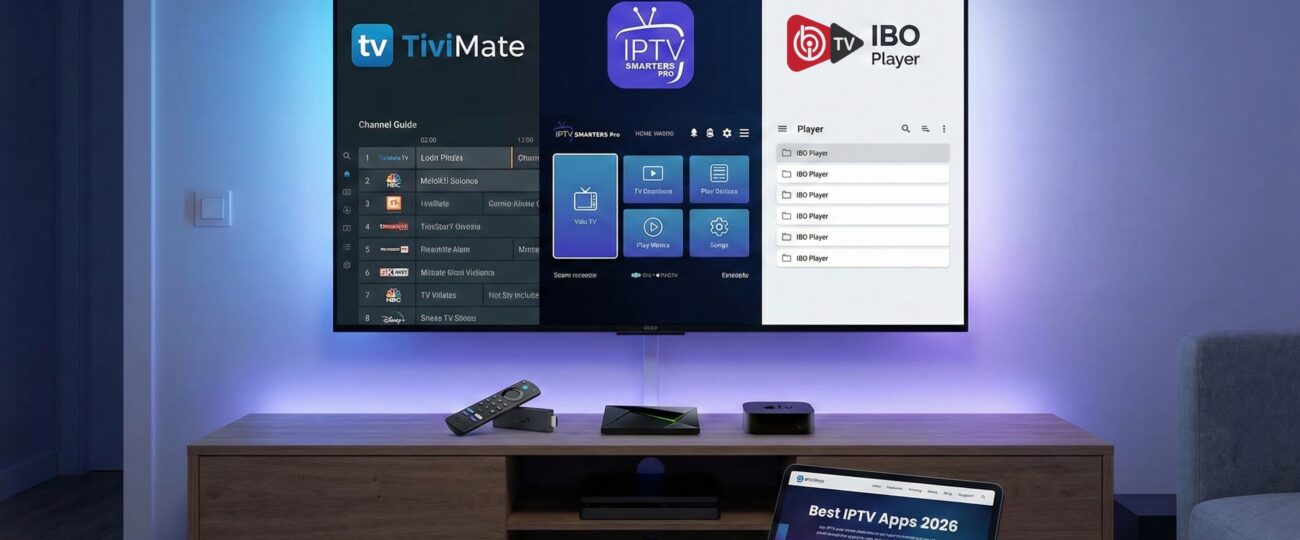
If you are serious about your TV setup, TiviMate is the undisputed king. It was designed to make your IPTV look and feel exactly like a premium Cable TV box, with a sleek, semi-transparent interface that is light years ahead of the competition.
Best For: Beginners, Mobile Users, Tablets.
If you are new to streaming, IPTV Smarters is the best place to start. It is the most downloaded app for a reason: it just works. The menu is big, simple, and easy to navigate for everyone in the family.
Best For: Samsung Tizen, LG WebOS, Apple TV.
If you don’t have a Firestick and just want to use your TV’s built-in apps, IBO Player is the top performer for 2026. Unlike other Smart TV apps that crash often, IBO is lightweight and won’t overload your TV’s processor.
Many users complain about lag, but they don’t realize their app settings are wrong. Here is the “Tech-Lite” fix you need to know: Hardware vs. Software Decoding.
Always choose Hardware Decoder (HW) in your app settings. This forces the app to use your device’s powerful graphics chip to process the video. Only use Software (SW) as a backup. Hardware decoding is the secret to getting crisp 60FPS sports without the “ghosting” effect.
Choosing the right app is the first step to a perfect TV experience. For power users, we recommend TiviMate. For simplicity, go with Smarters. And for Smart TV owners, IBO Player is your best bet.
But remember: An app is only as good as the signal it receives. If you want true 4K stability and Anti-Freeze technology, you need a premium provider.
Enjoy endless entertainment with smooth, high-definition streaming and instant access to thousands of channels with Castflo.
© 2025 CastFlo. All Rights Reserved.