January 30, 2026



 Written by castfloer
The Amazon Firestick is the most popular device for IPTV. It’s cheap, easy to use, and supports 4K.
But there is a problem. It is weak.
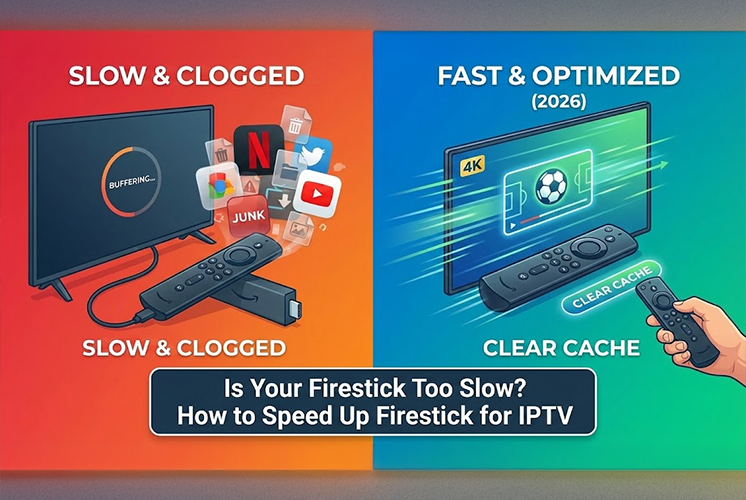
After 6 months of use, Firesticks often become clogged with “digital junk.” Menus become laggy, apps crash, and your stream starts to stutter.
If you are blaming your IPTV provider for this, stop. The problem is likely your device’s RAM (memory) being full. Here are 3 “Tech-Lite” tricks to clean your Firestick and make it run like new in less than 5 minutes.
Every app you use saves temporary files called “Cache.” Over time, this builds up into hundreds of megabytes of useless data that slows down your device.
The Fix:
Just because you press the “Home” button doesn’t mean an app has stopped running. Many apps stay open in the background, eating up your processor power. If you have Netflix and YouTube running while trying to watch a 4K football match, your Firestick will choke.
The Fix: Download a free app called “Background Apps & Process List” from the Amazon Store. Open it, and it will let you “Force Stop” every app you aren’t using with one click.
By default, Amazon tracks everything you do to send you ads. This process runs constantly in the background and uses up your internet and processor speed.
A $30 device cannot perform miracles unless you maintain it. By clearing your cache, closing background apps, and turning off Amazon’s tracking, you free up resources for what matters: smooth, buffer-free streaming.
Enjoy endless entertainment with smooth, high-definition streaming and instant access to thousands of channels with Castflo.
© 2025 CastFlo. All Rights Reserved.